Explain a technical architecture
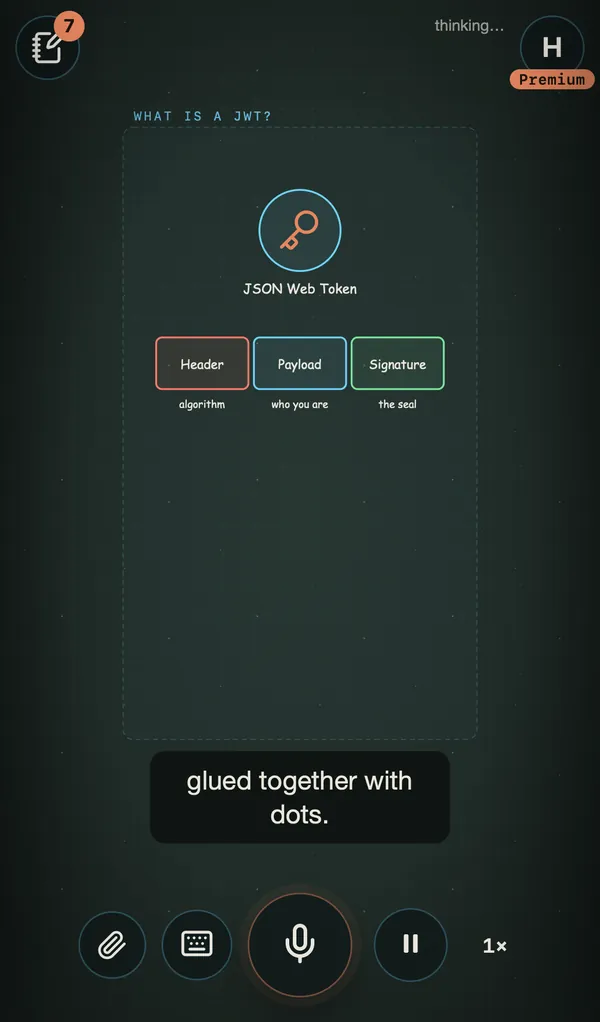
Request flows, authentication, databases: the diagram comes alive and the code floats next to it.
“What is a JWT?”
AI in 2 dimensions
Ask a question out loud. AI2D draws, animates and narrates the answer on an infinite whiteboard.
Everything streams live: the first stroke appears while the AI is still thinking.
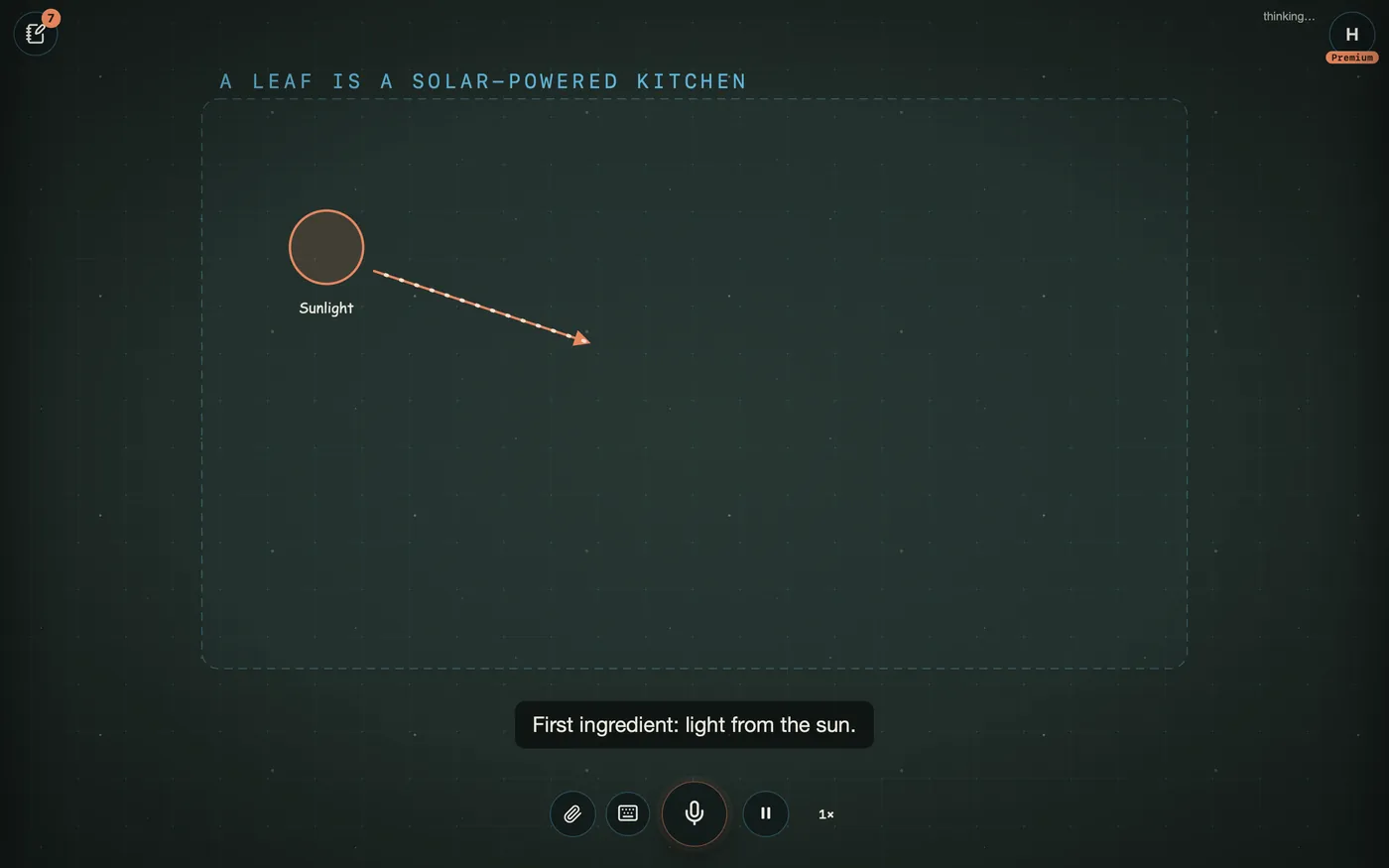
Hold the mic and talk, or type. Interrupt at any time: the AI picks up with your new question.
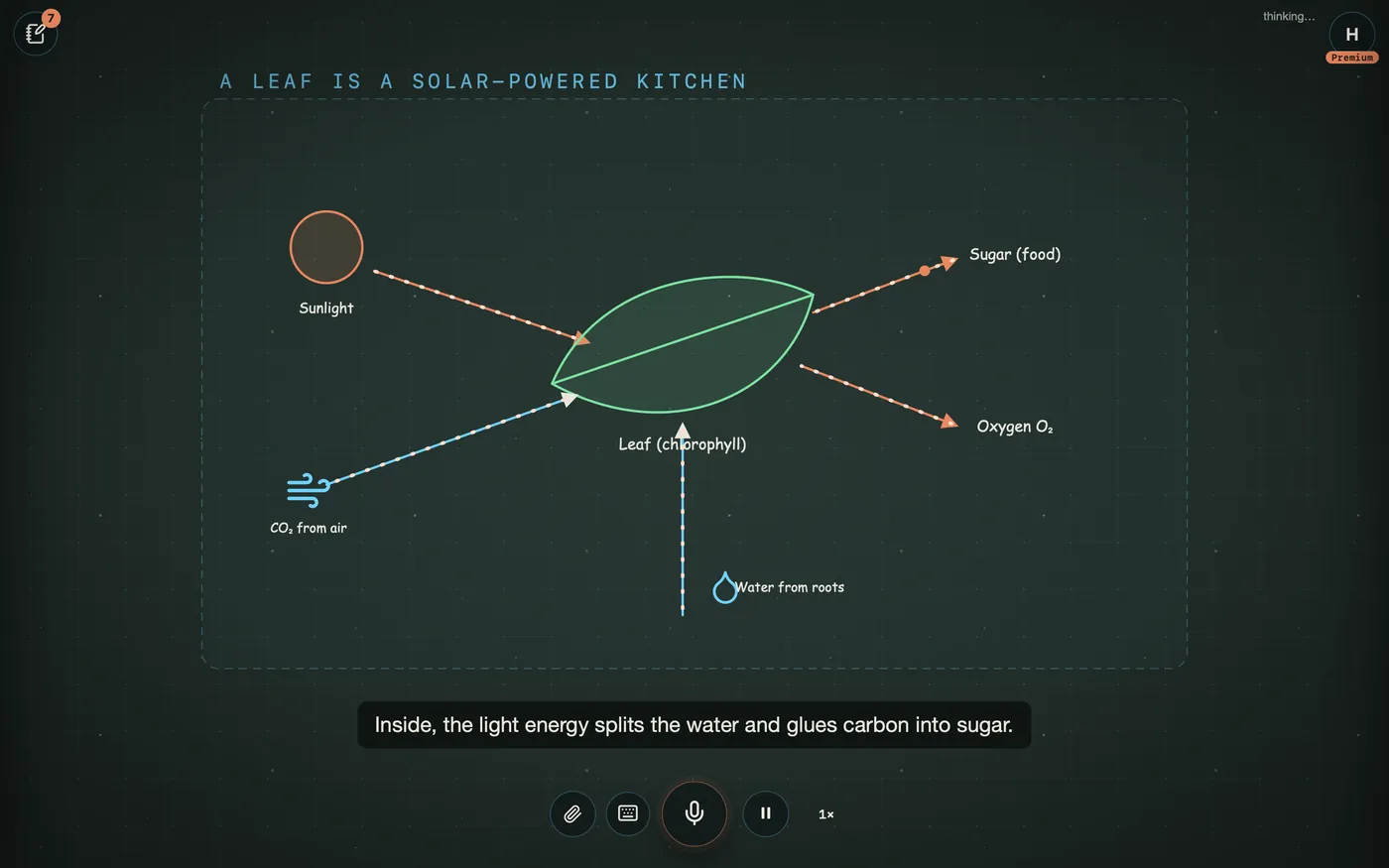
Blocks, icons and animated arrows come together scene after scene on a borderless 2D plane. The camera follows the idea.
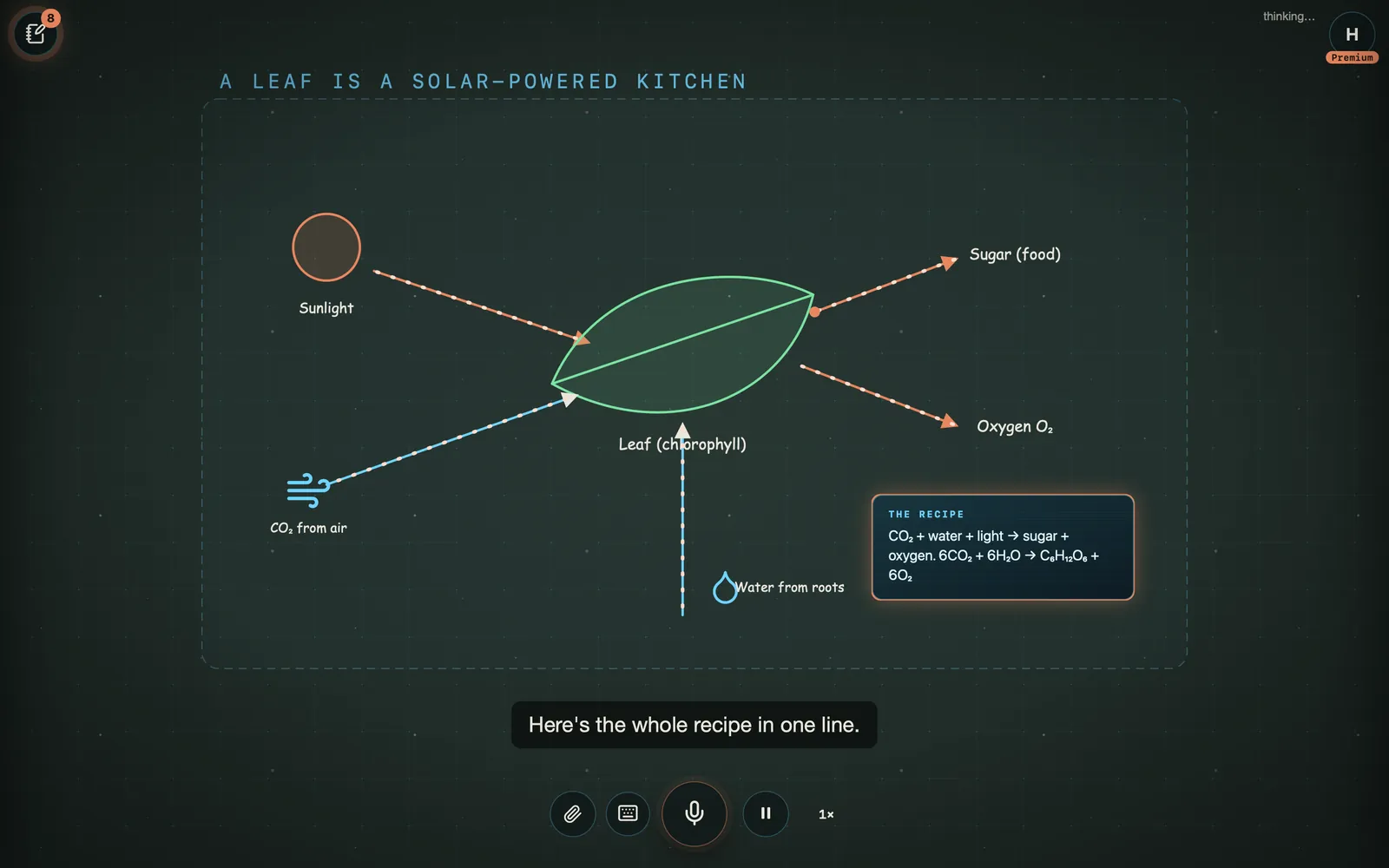
An expressive voice follows every stroke, with subtitles. At the end, the explanation becomes an illustrated note, exportable as PDF or image.
A fuzzy concept becomes a clear diagram in under a minute.
Request flows, authentication, databases: the diagram comes alive and the code floats next to it.
“What is a JWT?”
Project the explanation in class and let students ask their questions out loud.
Every explanation becomes an illustrated note, as PDF or image.
Switch the Studio to French, and even to Tunisian Arabic: same drawings, another voice.
A real photo, a video or a web page? The AI finds it while explaining and pins it to the board.
Simple pictures and everyday comparisons, for the youngest.
If you can ask a question, you can use AI2D.
Web & mobile
AI2D adapts to your screen when it opens: landscape scenes on desktop, vertical on phones. Nothing to install.
Start for free. Go Plus for the expressive voice and search, Premium for expert mode and your own documents.
€0
To discover AI2D.
Recommended
€9.99/ month
To learn every day.
€24.99/ month
For complex topics and professionals.
| What you get | Free | Plus | Premium |
|---|---|---|---|
| Questions per monthOne question = one full explanation, drawing and voice included. | 1 (3 the first month) | 80 (up to 160 with follow-up questions) | 200 credits |
| Expert mode (Opus)The most powerful model for complex topics: richer diagrams, deeper reasoning. 3 credits per question. | |||
| Expressive voiceA voice that plays the emotion (wonder, suspense) in time with the drawing. On Free, a more neutral synthetic voice. | Standard | Expressive | Expressive |
| English and FrenchSwitch the Studio to French, and even to Tunisian Arabic: same drawings, another voice. | |||
| Web, photo and video searchThe AI finds a real photo, video or page while explaining and pins it to the board. | |||
| Your documents (PDFs, links)Upload your course as a PDF or paste a link: “explain this course to me” and the AI turns it into a drawn, narrated explanation. | |||
| AI-generated imagesA custom illustration made for your explanation. 1 credit per image. | |||
| Study notesEvery explanation becomes an illustrated note, saved in My notes. | 5 kept | Unlimited | Unlimited |
| PDF and image exportKeep and share your notes. | |||
| Tidy follow-up questionsA question about a scene opens right below it, so the board stays readable. | |||
| Pause and speedSlow down to read the code, speed up when it is clear: voice and drawing stay in sync. | |||
| Desktop, tablet, phoneScenes adapt to your screen. |
Prices include VAT. Pay by card (monthly subscription, cancel anytime) or with Konnect in Tunisian dinars (33 DT or 83 DT for 30 days). One credit = one question; expert mode counts as 3 credits; a follow-up question in the same Studio counts as half.
AI2D stands for “AI in 2 dimensions”. It is an infinite whiteboard where an AI answers your questions by drawing animated diagrams and narrating them out loud, in real time.
No. AI2D runs in the browser on desktop, tablet and phone (iPhone and Android). Allow the microphone to talk, or type.
English and French. In French, say “en tunisien” and it switches to Tunisian Arabic, with French subtitles as a backup.
Yes. Every explanation becomes a study note illustrated with its diagrams, saved in “My notes” and exportable as PDF or image.
Yes. Press the mic and talk: it stops, takes into account what you already heard and continues with your new question.
You keep your notes and your board. Wait for next month or move up a plan. Nothing is charged without your consent.
Yes. The pause button at the bottom right freezes everything; next to it, a slider sets the speed from 0.5× to 2×. The voice keeps its pitch and the drawings stay in sync.
Yes: drag to move, pinch or use the wheel to zoom. When you let go, the camera picks the explanation back up. Double-tap to recenter.